Last Tuesday I needed a Midjourney prompt for a client listing photo. Clean background, true materials, marketplace crop. I had written a good version of this three weeks ago. I could not find it.
It was in a Notion page. Or a Slack thread. Or a half-finished note on my phone. I spent fifteen minutes digging, gave up, and rewrote the prompt from memory. The new one was fine. The old one was better. That is a silly way to work.
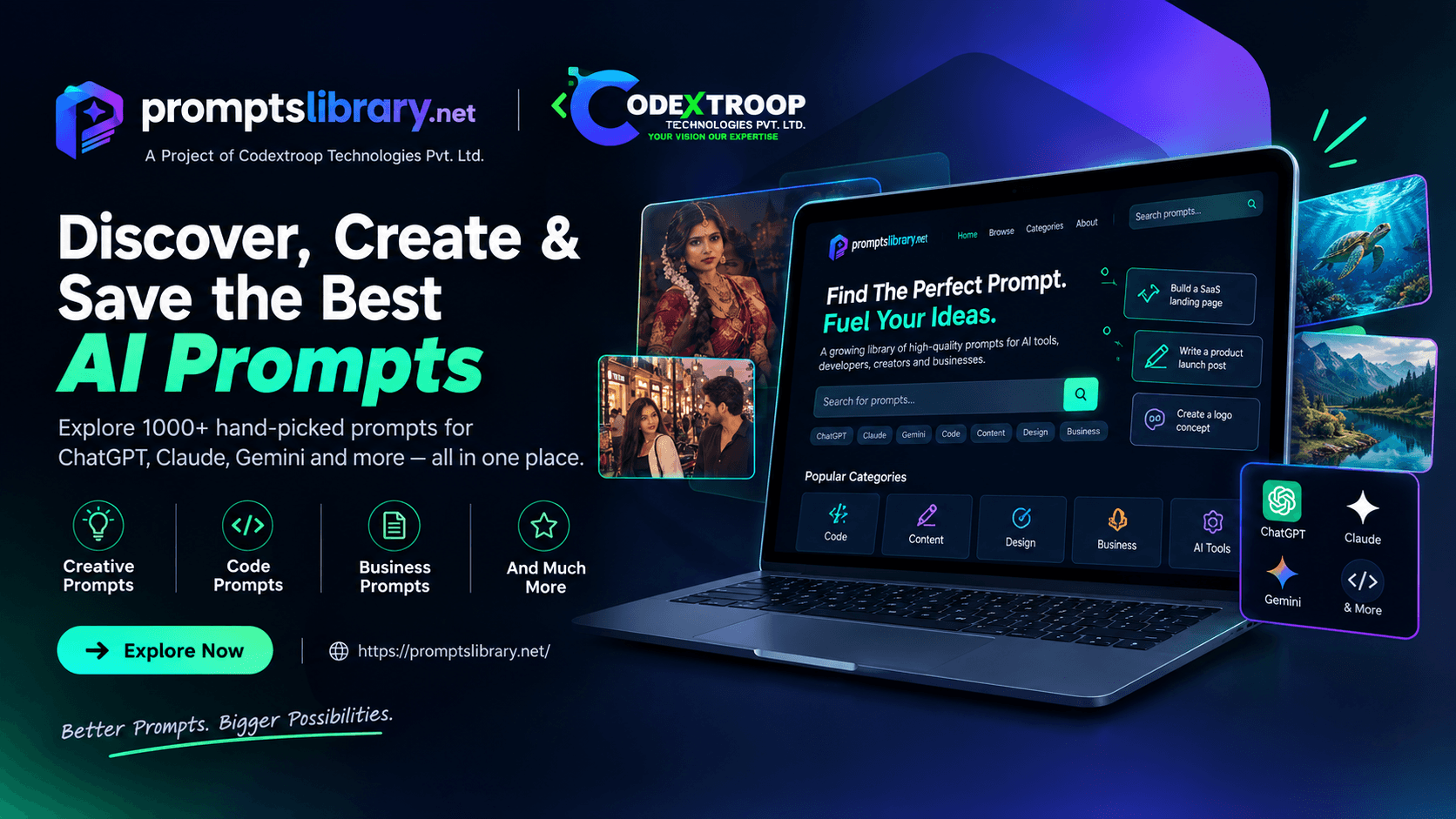
That is the short version of why Prompts Library exists. We kept losing useful prompts, so we built a place to keep them. It now lives on its own domain: promptslibrary.net.
The Real Problem Is Not “Finding Prompts”
Google is full of prompt lists. Most of them are either locked behind a signup, sold as a PDF with a thousand near-identical lines, or pasted into a social post where half the text is cropped.
What people actually need is simpler. A prompt for a job they do this week. Written for the tool they already open. Clear enough to copy once and reuse next month without rewriting from scratch.
We did not want another generator that invents a new prompt every time you click. Generators are fun when you are exploring. They are useless when your team sends the same style of follow-up email every Friday and you need the same structure again.
What Prompts Library Is
Prompts Library is a free collection of AI prompts you can search, read, and copy. ChatGPT, Claude, Gemini, Cursor, Midjourney, Perplexity, and a few others. Filter by tool or by the kind of work: coding, sales, e-commerce, images, writing, reports.
No account. No paywall. Open the site, find what you need, paste it into the tool you already pay for.
Codextroop built it. For a while it sat under a Codextroop subdomain. Giving it promptslibrary.net was the clean move. The product has its own name and home now, which matches how people look for it.
What Makes a Prompt Worth Keeping
We are picky about what goes in. A useful prompt usually does four things.
- It names the job clearly. “Write an email” is vague. “Follow up on a proposal after seven days of silence, under 120 words, one proof point, one direct ask” is something you can run and ship.
- It has blanks you can fill. Things like prospect name, product, or code snippet. Same prompt, different client, no full rewrite.
- It says what not to do. Do not invent specs. Do not rewrite the whole file. Do not open with “I hope this email finds you well.” Those lines save more time than people admit.
- You can see what good output looks like. If there is an example, you know in thirty seconds whether the prompt fits your case.
If a prompt fails those checks, it does not belong in the library. Length is not a quality signal. Clarity is.
How We Use It Day to Day
Inside the team the habit is boring on purpose.
- Write the task in one sentence before you search.
- Filter by the tool you are actually using.
- Read the description and sample output before copying.
- Fill the variables. Run once. Change only what failed.
- Bookmark or save the ones you reuse every week.
That is it. One solid prompt for a recurring job beats a folder of fifty you never open.
Who This Is For
Freelancers and agencies who write listings, emails, and client updates on a schedule. Developers who want a Cursor or Claude prompt that asks for a diagnosis before a rewrite. Founders who do not want to rebuild the same Midjourney packshot prompt every time a SKU goes live.
If you are collecting prompts for the sake of collecting them, this will not help much. If you have three or four tasks that come back every week, start there.
Commercial Use
Yes, you can use these prompts in client work and internal tools. No attribution required. Copy, adapt, ship. Treat them like any other starting template.
Try It
Open promptslibrary.net. Search for one task you did this week. Copy the prompt, run it once, keep it if it worked.
We are still adding prompts. If you have one your team relies on and you want to share it, mail us at [email protected].
That is the whole product pitch. A free library, a clear domain, and less time spent hunting for something you already wrote.