You need a prompt right now. Maybe it is a product photo for a marketplace listing, a follow-up email to a prospect who went quiet, or a code review before you push to production. So you open three tabs: a Reddit thread from 2023, a Medium article behind a paywall, and a screenshot on Twitter where half the text is cut off.
Twenty minutes later you have something that kind of works. You run it twice, get two different answers, tweak a line, forget what you changed, and start over next week when the same task comes up. This is the normal experience. It does not have to be.
What Separates a Useful Prompt From Noise
A prompt worth keeping does a few things that vague ones skip entirely.
First, it names the task precisely. "Write an email" produces a generic paragraph. "Follow up on a proposal after 7 days of silence — under 120 words, one proof point, one question-based ask" gives the model enough structure to be useful on the first run.
Second, it has variables you can swap without rewriting the whole thing.
Something like {{prospect}}, {{product}}, or {{code}}
means the same prompt works for your next client, your next listing, your next bug —
you fill in the blanks instead of starting from scratch.
Third, a good prompt tells the model what not to do. "Do not invent specs." "Do not rewrite the whole file." "Do not open with I hope this email finds you well." Those constraints matter as much as the instructions.
Fourth, you can see what good output looks like before you copy anything. If there is an example input and an expected output, you know whether the prompt matches your situation — or whether you need to adjust a variable first.
Where People Look (and Why It Usually Fails)
Prompt marketplaces charge for packs you cannot preview. "1000 ChatGPT prompts" PDFs are mostly filler — generic templates with the category name swapped in. Asking ChatGPT to "write me a prompt" works for a one-off, but you get something new every time with no consistency.
Social threads are hit or miss. The prompt that worked for someone else's niche, tool version, and tone may produce garbage for yours. And threads rarely organize by tool — so you end up pasting a Midjourney prompt into Claude and wondering why the output makes no sense.
What actually helps is a searchable collection organized by tool and task — something you can filter by ChatGPT, Cursor, Midjourney, or Claude, then narrow by category: coding, sales, e-commerce, image, writing, and so on.
A Workflow That Saves Time
Here is the process we use internally when we need a prompt fast.
- Define the task in one sentence before you search. Not "marketing help" — "write a cold email to an ops director at a regional distributor who just posted driver hiring roles." The clearer the sentence, the faster the search.
- Search by tool plus category. If you are in Cursor, filter for Cursor prompts. If you are in Midjourney, go to image and photo. Tool-specific prompts account for how each model actually behaves.
- Read the description and example output before copying. Thirty seconds here saves ten minutes of bad runs. If the example output is close to what you need, copy. If not, try a related prompt or adjust your one-sentence task.
- Fill in variables, run once, tweak only what failed. Change one thing at a time. If the tone is off, fix the voice variable. If the structure is wrong, check whether you skipped a required field.
- Save what you reuse. Browser bookmarks work. So does saving prompts inside a library if it supports that. The goal is to never search for the same task twice.
Categories Worth Bookmarking Early
Not every category gets equal use. These are the ones we see people come back to repeatedly.
Coding and Cursor. Prompts like "Debug and Fix a Failing Piece of Code" ask for a diagnosis first, a minimal diff-style fix second, and a test that fails before and passes after. That structure keeps Cursor from rewriting your entire file when you only needed a null check.
E-commerce. Product listing work is repetitive. A prompt for "Product Description That Sells" leads with the outcome, handles objections honestly, and flags missing specs as [need spec] instead of inventing them. Useful when you are batching twenty SKUs, not writing one hero product page.
Sales follow-ups. "Follow Up on a Proposal After 7 Days of Silence" is the kind of task-specific prompt people search for every week and never find in a generic pack. It sets word count, tone, and what the follow-up should add — not just "bumping this."
Image and video. Marketplace packshots, clean product photos, CCTV-style footage prompts — image models need constraints (lighting, crop, materials) that text models do not. Category-specific prompts handle that.
Reports and writing. Executive summaries, client updates, technical write-ups — the prompts that work here specify audience, length, and format, not just "make it professional."
Library vs Generator — Why Consistency Matters
Prompt generators produce something new every time. That is fine when you are exploring. It is a problem when you run the same task every week — client status reports, listing photos, code reviews before deploy.
A library gives you a tested starting point you refine over time. You learn which variables matter for your workflow. Your team can share the same prompt and get comparable output. That is why we built a library, not a generator — the job is find, copy, use, not spin up something random and hope.
Using Prompts in Client or Commercial Work
If you are a freelancer, agency, or in-house team shipping client work, this question comes up: can I use someone else's prompt commercially?
For prompts in Prompts Library (promptslibrary.net), yes — client work, internal tooling, products. No attribution required. Treat them like any other starting template: copy, adapt, ship.
Where We Put Ours
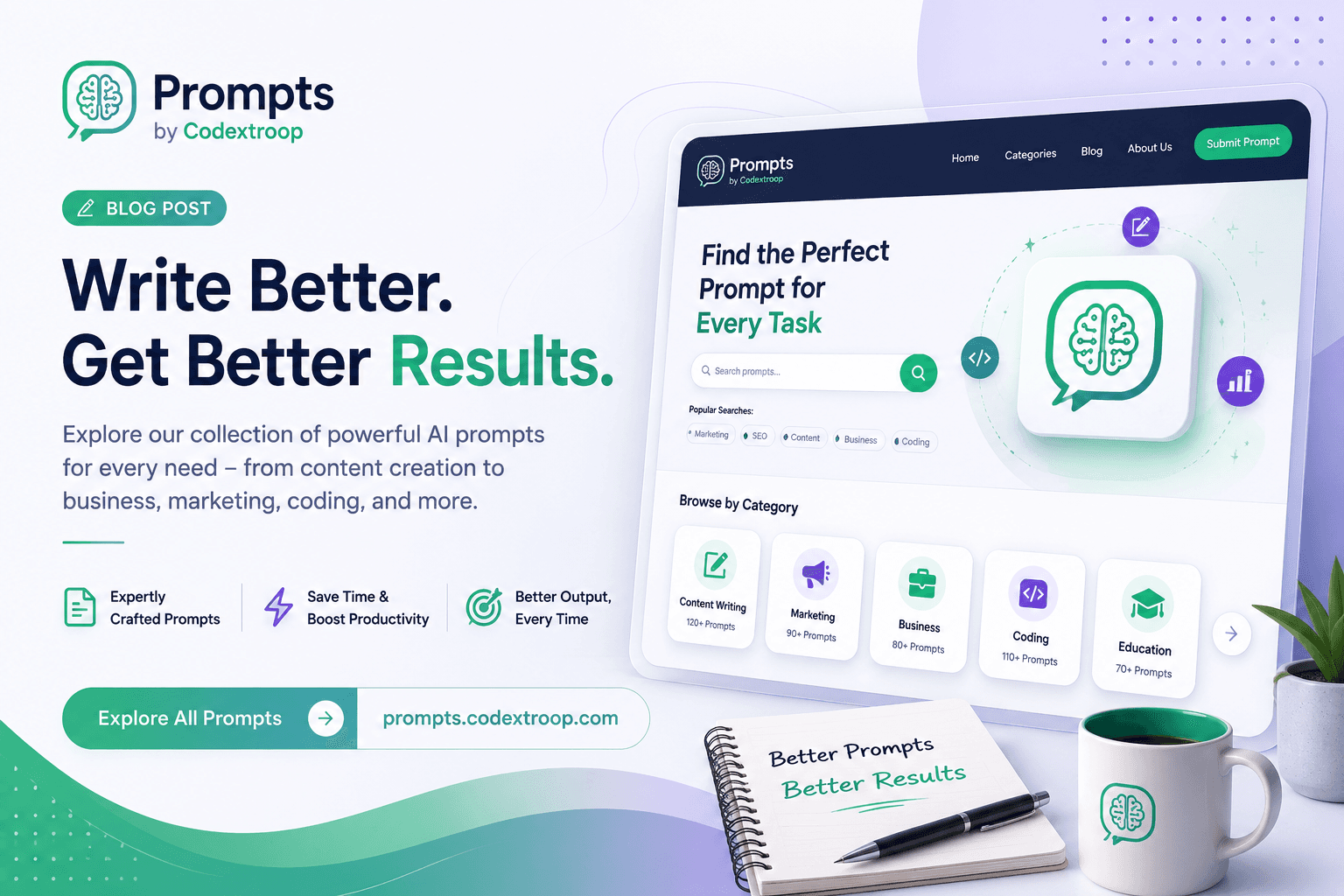
We kept hitting this problem ourselves — searching, copying half-finished examples, rebuilding the same prompts from memory. So we built Prompts Library as a free, searchable home for useful prompts across ChatGPT, Claude, Gemini, Cursor, Midjourney, Perplexity, and more — now on its own domain at promptslibrary.net.
No account. No paywall. Search by tool or topic, read the description, copy, paste into whatever you already use. The library is still growing — we add prompts regularly and take submissions at [email protected] if you have one that works well for a task you run often.
Start with one task you do every week. Find a prompt for it, run it once, save it. That single habit saves more time than collecting a hundred prompts you never open.